Tech tools built by a Digi Op.

Mac apps for tethered Capture One shoots, from a working Digi Tech.

Built in Ireland.

DigiOp Apps Four apps for the set

Four apps for the set from DigiOp Apps. Client Companion puts overlays in Live for Studio, out now at 25 euro, buy once, and is the only app here you can buy today. Capture Companion minds the tether, coming soon. Selects Companion tags the client's picks, coming soon. Rapid Fire files a card burst into the live session, coming soon.

Four apps for the set

Capture Companion

Never lose a shot.

The safety net for tethered Capture One shoots, USB or Wi-Fi. Alarms the instant the camera drops, watches settings drift, signal and disk.

Coming soon
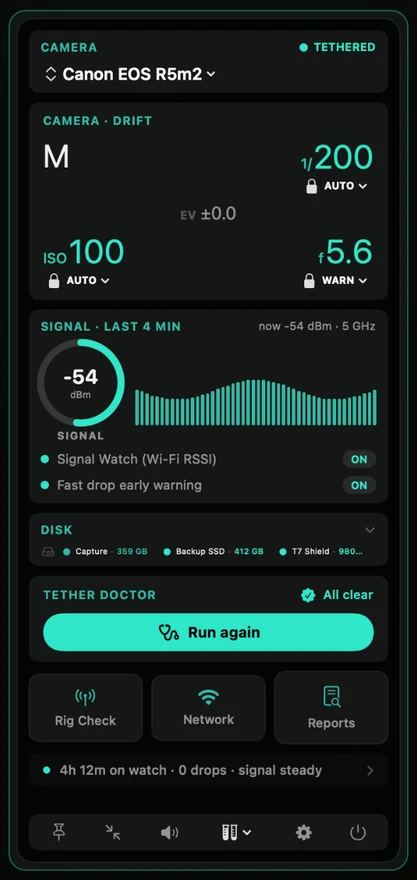
The Capture Companion panel on a Mac, showing a Canon EOS R5m2 tethered, the camera settings it is watching for drift, a four minute signal history at minus 54 dBm, disk space across three drives, and Tether Doctor reporting all clear after four hours on watch with no drops

Requires Capture One on a Mac. Watches the tether over USB or Wi-Fi while you shoot.

Client Companion

Overlays on Live for Studio

Every frame you shoot lands inside the real ad layout on the client's iPad, seconds behind the shutter. No exporting, no screen mirroring.

€25, buy once. On sale now.

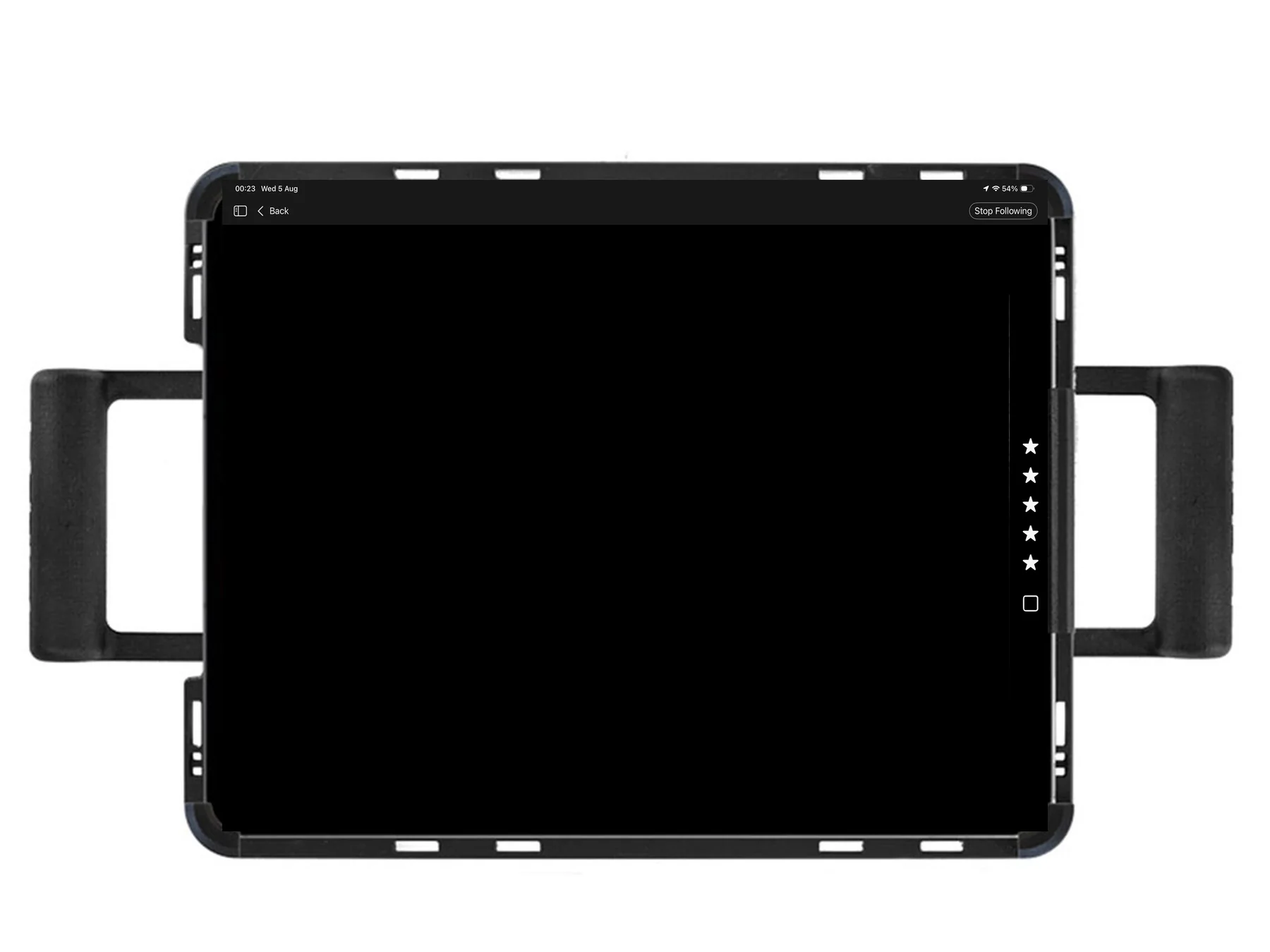
An iPad in a rig on set, running Live for Studio
A capture arriving inside a 6 sheet poster layout
The next capture arriving inside a 12 sheet layout
The next capture arriving inside a square layout

Live on the client's iPad

Requires a Capture One Studio licence on a Mac. The client views it in Live for Studio on an iPad on the same network.

Selects Companion

The final selects, tagged in seconds.

Drop in the client’s selects in any form, even a screenshot. It colour tags every matching RAW in Capture One at once, opens the job from your drives if needed, then writes a clean list for your retoucher, team or client.

Coming soon
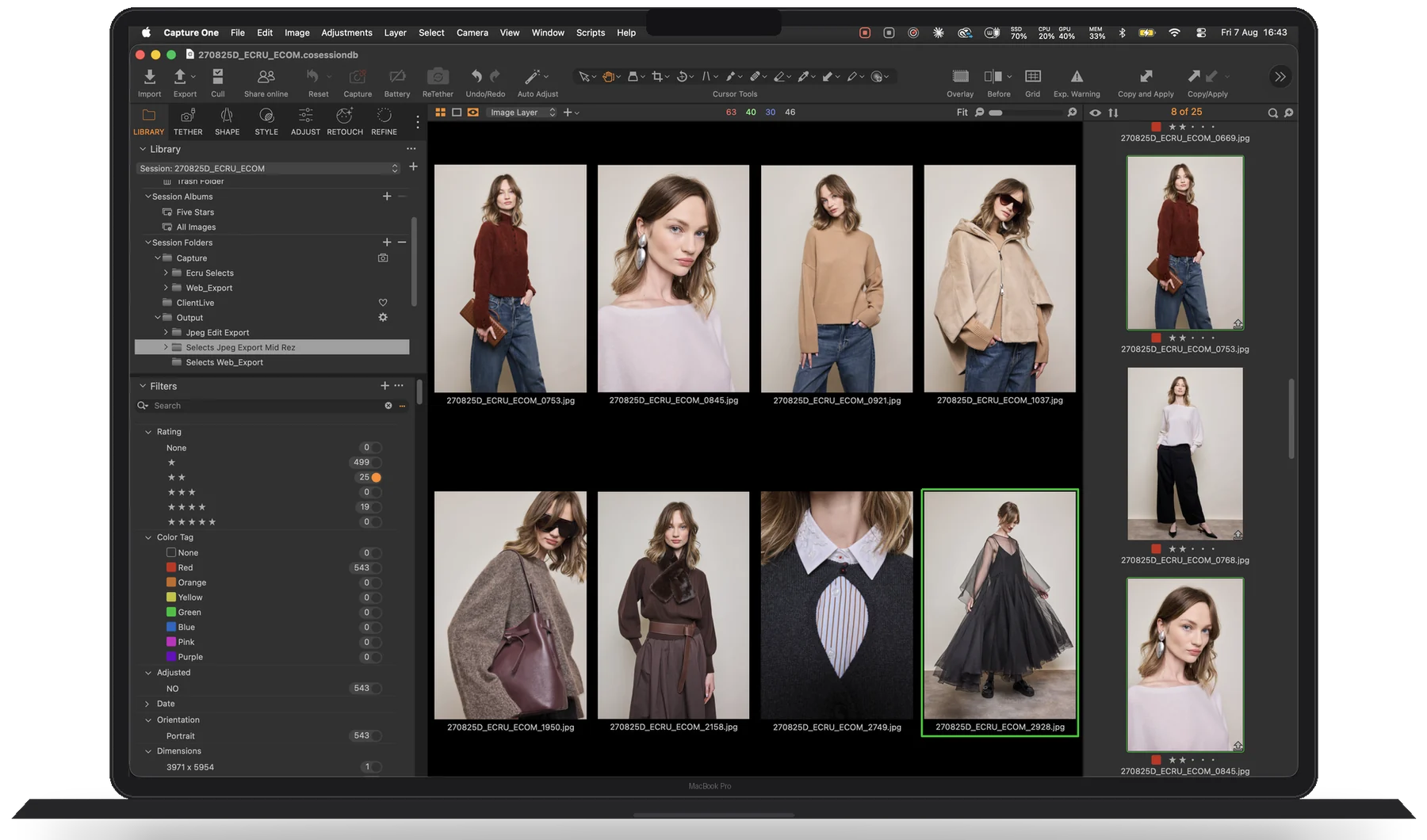
A Capture One browser on a MacBook Pro, filtered to Color Tag Red with 543 images, every thumbnail carrying a red tag

Requires Capture One on a Mac. Lives quietly in your menu bar, beside Capture One.

Rapid Fire

Shoot the burst. Keep the session.

A tether cannot take a full burst, so shoot it to the card and let Rapid Fire file those frames into your live Capture One session, in shot order, RAW and JPEG deduped. It watches your shutter, aperture and ISO for drift while you work.

Coming soon

The Rapid Fire app icon, a yellow comet on a dark tile

Requires Capture One on a Mac. Reads the card in any reader while your session stays open.

Buy it once. Keep it.

How every DigiOp app is sold, and why.

Buy once

Every DigiOp app is a perpetual licence with optional yearly updates. No subscriptions, no telemetry, everything runs on your Mac.

One kit

The apps know each other. Own more than one and they work as a kit on set rather than as four separate tools.

Real support

Email answered by the person who built it and uses it on real shoots, not a ticket queue.