
Client Companion
The client sees the shot inside the layout. Live.
Every frame lands in the job's ad layout and appears on the client's iPad seconds behind the shutter. No manual export. No screen mirroring. Nobody at your shoulder.
Your capture, their artwork, seconds later. Every format the job ships in, from a 6 sheet at a bus stop to a 96 sheet that crops it to a band.


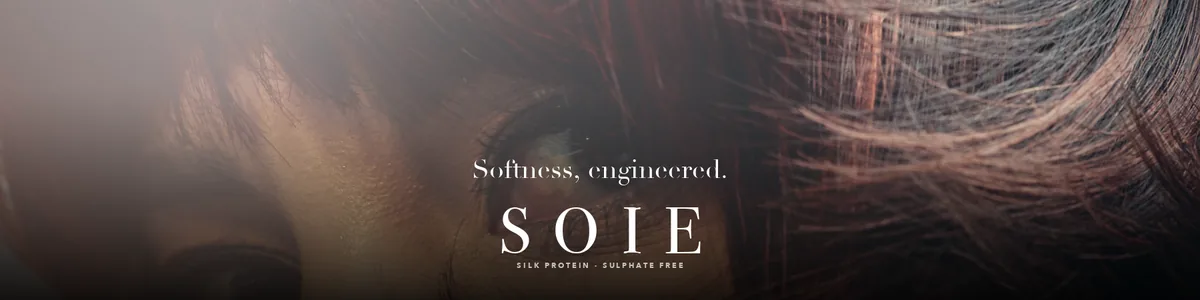







Outdoor sizes follow the UK and Ireland sheet standards. Digital deliverables come off the same session.
Three steps, then forget it is there.
It sits behind the shoot you already run.
Load the job's layout
Drop the agency's layout into Capture One's Overlay tool, a PNG with a clear window where the photo lives. Keep one per crop, 48 sheet, 6 sheet, square.
Shoot as normal
Tether into Capture One like any other day. Share to Live for Studio once and pick the ClientLive collection, so the iPad knows what to follow. Client Companion spots each new frame the moment it lands.
The client watches it build
Every frame appears inside the artwork on the iPad, copy and logo locked in place. The art director judges the real ad, not a loose photo.
Built for real sets.
Fast, quiet and unfussy, because a shoot day has enough going on.
Two speeds to the iPad
Speed sends the frame in about three seconds, quick enough to keep pace with the shoot. Detail sends a larger frame the client can pinch in on. Switch between them any time.
You stay in the Overlay tool
Artwork, scale, position and opacity are all set from Capture One's own Overlay tool, the panel you already use. The iPad mirrors exactly what you set, frame after frame.
Pause with one checkbox
Untick Show in the Overlay tool and the client view holds. Tick it back on and it resumes. Nothing awkward ever reaches the sofa.
Runs through Live for Studio
Delivery is Capture One's own free Live for Studio app on the iPad, over your local network. No account, no cloud, no cable to the iPad.
Follows your session
Change session or capture folder through the day and it keeps up on its own. Set it once in the morning and forget it is there.
Yours, and quiet
Client Companion sits in the menu bar and gets on with it. There is no window to keep on screen and nothing extra to mind on a shoot day. The licence is offline and yours, there is no account, and nothing about your work is reported back to us.
Every seat on the set covered.
One session, two very different views.
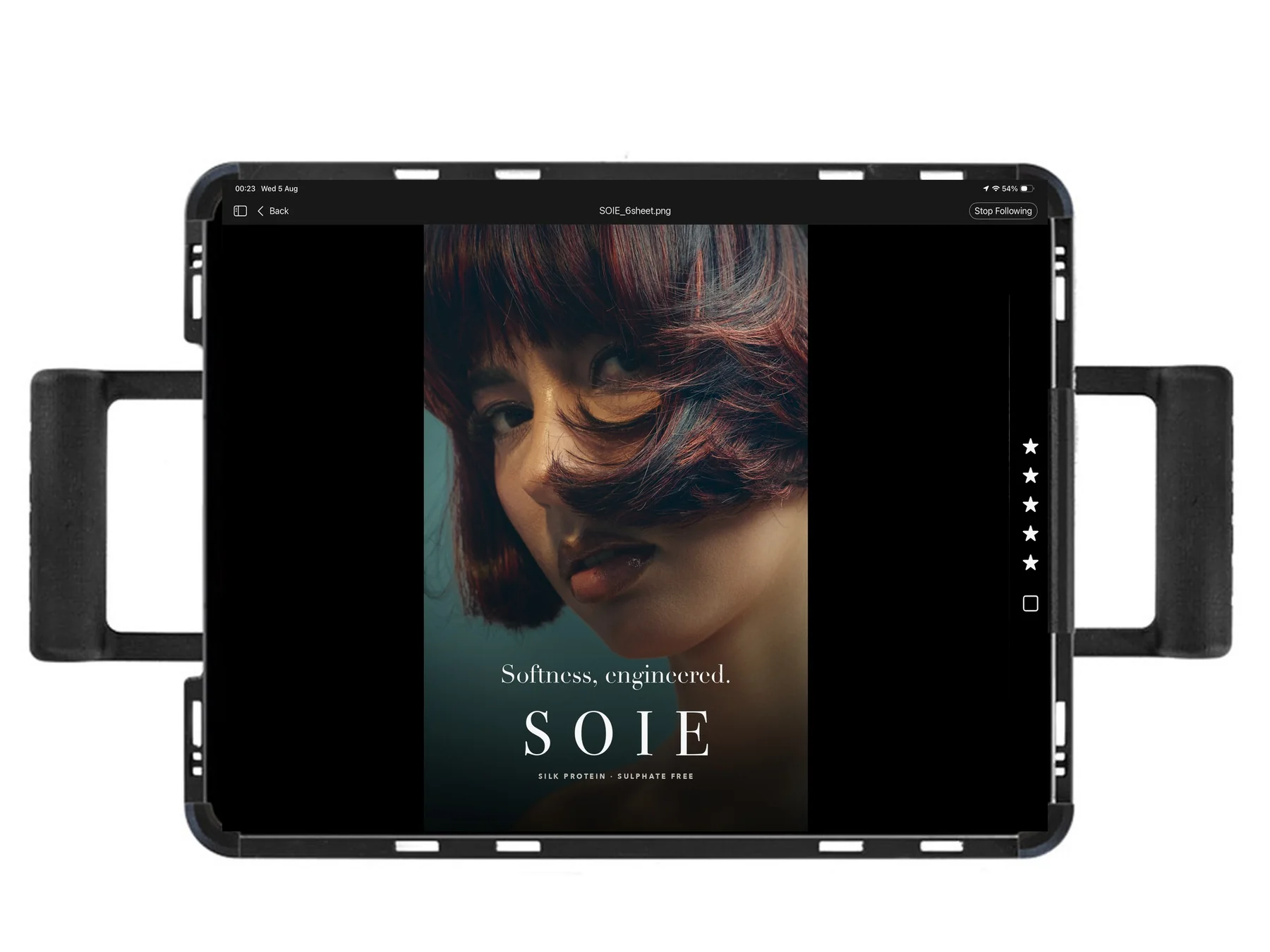
Kiosk mode
Full bleed artwork, zero interface, newest frame always. For the screen on a stand beside the client sofa.
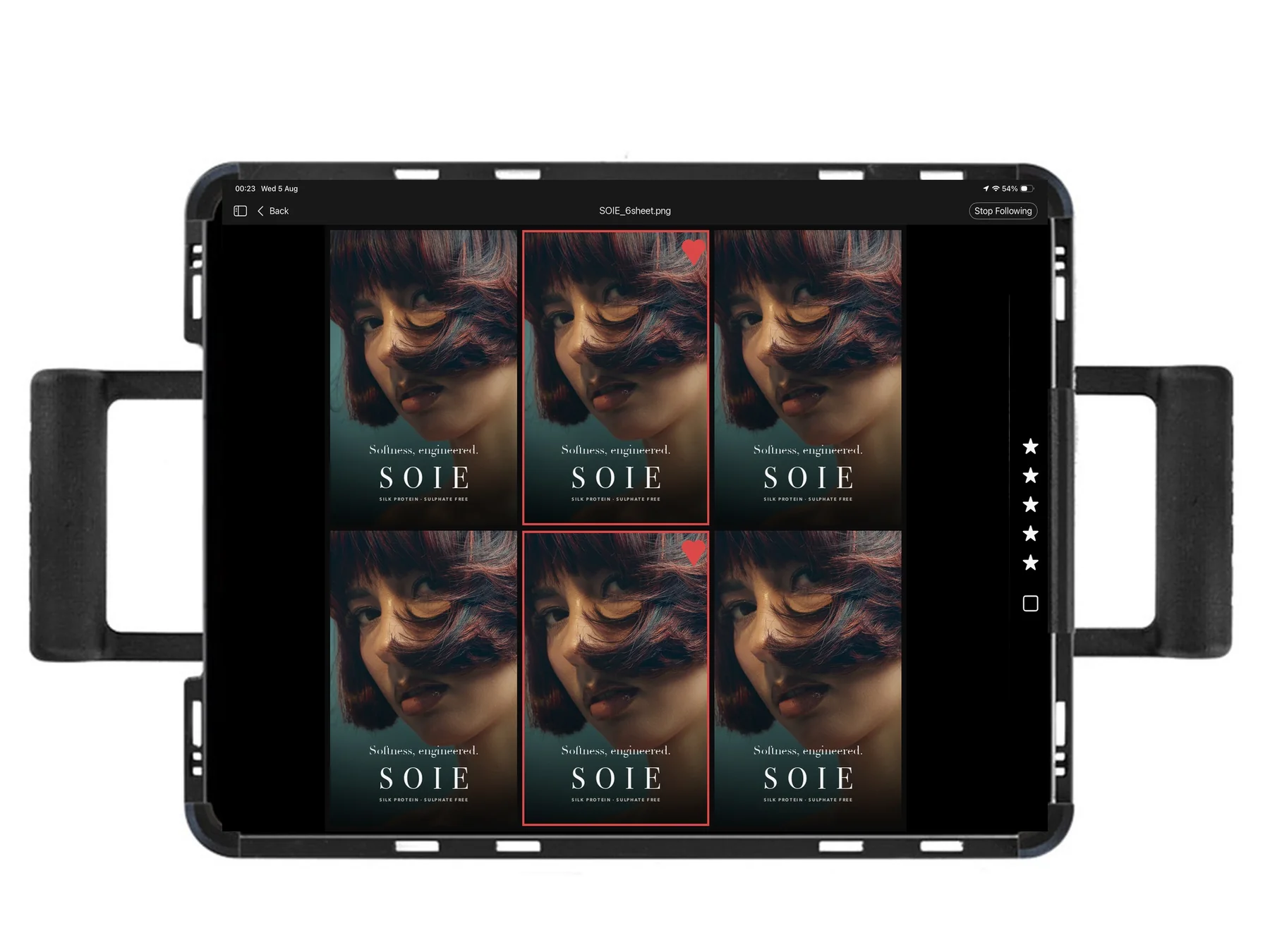
Grid review
Every take of the setup inside the artwork, selects hearted. For the walk me back through them moment.
Client Companion · On sale now
Buy it once.
Perpetual licence · optional yearly updates · two personal Macs
- All features included, no tiers inside the app
- Runs entirely on your Mac, offline licence, no telemetry
- Delivers to the iPad through Live for Studio
- Updates itself when a new version ships
- 14 day refund guarantee
Requires Capture One Studio on a Mac, a session based workflow, and the free Live for Studio app on an iPad on the same network.
The quick answers.
What does Client Companion actually do?
What do I need to run it?
Does it work with Capture One Pro, or only Studio?
How fast does the client see each frame?
Does the client see my edits, or the raw frame?
How do I control what the client sees?
Can I pause it mid shoot?
Does the client need an account or a login?
Is my work private?
Does it change my Capture One workflow?
How do updates and the licence work?
Capture One keeps saying Export completed. Can I turn that off?
The menu bar icon vanishes when Capture One is open. Where did it go?
Is it made by Capture One or Apple?
Still stuck, or want to ask before you buy? Email support.